Equipment Loan Renewal Request Form (Free Template)
Free equipment loan renewal request form in Word and plain text. Keep original, requested and approved due dates separate for each item, with a worked example.
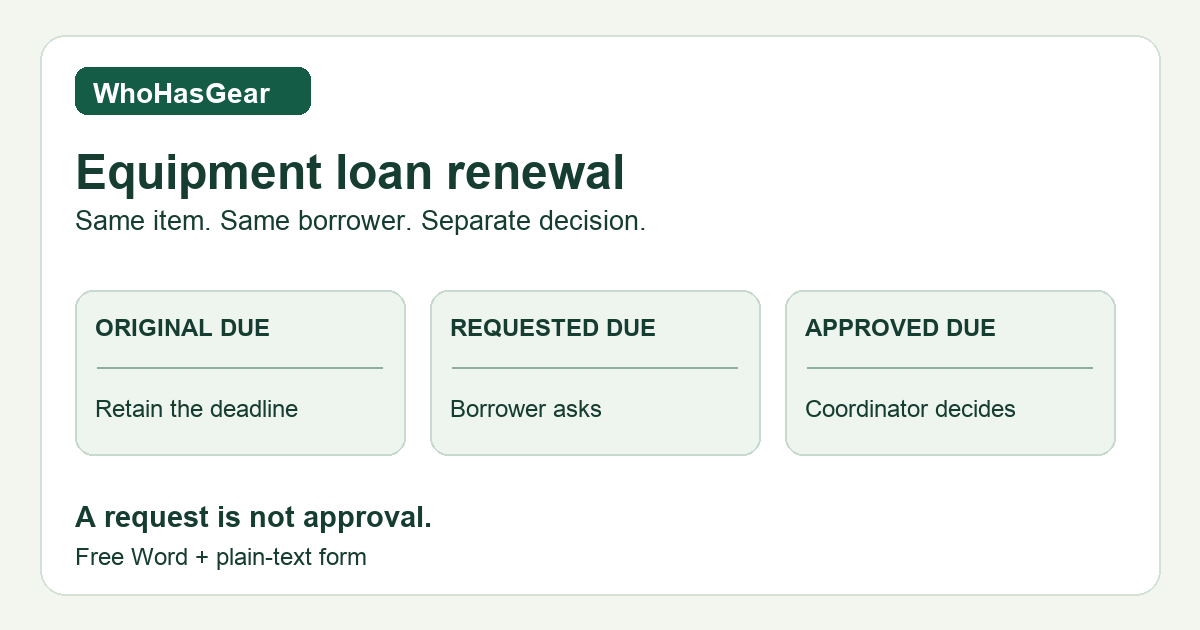
An equipment loan renewal request form records a request for more time with gear already on loan to the same borrower. Keep the original, requested and approved deadline separate for every item. A request does not extend the loan, change custody or make equipment available.
Summarize this article with AI
Summarize the manual renewal record while preserving separate deadlines and product limits.
Download the free renewal request form
Download the editable Word form or complete plain-text form to copy. Both contain equivalent instructions, blank request and decision fields, and the fictional three-item example below. No account is required.
This is a manual resource for a small-team equipment coordinator, not an online submission service or a university renewal portal. Adapt the blank fields to your policy, send completed copies through your own private channel, and check Word print preview after editing.
What should the form record?
Use one request for an existing loan and repeat the asset block for every separately identified item. The downloads provide the complete form; this table summarizes its field groups.
| Part | Fields to retain |
|---|---|
| Borrower request | Request ID; existing loan reference; team; borrower and contact; submission timestamp; reason; acknowledgement that the request remains pending. |
| Each asset | Asset ID and description; original due date/time/time zone; requested due date/time/time zone; approved due date/time/time zone, completed only by the coordinator. |
| Coordinator check | Applicable policy and reference; availability and existing commitments; required inspection and its status; checked by and timestamp. |
| Decision and notice | Per-item approval status; decision owner and timestamp; reason and evidence reference; notification recipient, timestamp and reference; acknowledgement status. |
| Follow-up and history | Open exception; owner, action and review deadline; effective deadline; record update status, updater and time; retained original entry and amendment history. |
These are proposed administrative fields, not an official standard or legal agreement. Store completed forms privately; the public example uses fictional people, references and assets.
How do you request an extension without changing the deadline?
Copy the existing loan reference and current borrower first. Enter each asset ID rather than writing “camera kit” when the camera, microphone and tripod have separate records. Copy the deadline from the retained original loan entry; do not replace it with the date the borrower wants.
The borrower supplies a requested date, time, time zone and reason. Record when the request arrived. Leave the approved deadline blank while the decision is pending. If the loan already has approved amendments, retain those in the history and identify the currently effective deadline as well.
When someone asks to renew borrowed equipment near its deadline, route the request to the authorized coordinator. Silence is not permission. If no extension is approved, the currently effective deadline still applies; a late request does not erase an overdue event.
Check policy and availability before approving
Record whether your own policy permits renewal, requires approval or inspection, prohibits it, or is unclear. An unknown rule is a follow-up, not a reason to assume permission. Do not import another lender’s duration limit into your process.
Check the exact assets against existing commitments and any required turnaround. Record the check reference and time. The double-booking guide covers downstream reservation conflicts; this form records the resulting decision rather than calculating availability.
Decide separately for each asset: pending, approved, approved for a shorter extension, or declined. For an approval, enter the actual authorized deadline, even if it differs from the request. For a decline, leave the approved-extension field blank and retain the effective deadline.
Fictional example: three items, three outcomes
Northbank media team request REN-001 refers to open loan LN-041, held by Alex Reed. Alex requests more filming time on October 23, 2026, at 09:00 EDT (UTC−04:00). All three items originally fall due October 24 at 17:00; Alex requests October 27 at 17:00 for each.
Every deadline below is in 2026, EDT (UTC−04:00). Morgan Ellis checks fictional policy RENEW-01 and booking register BK-023 at 10:00 on October 23. It permits coordinator-approved extensions; no inspection is required for this example. The microphone has a conflicting commitment; the tripod is needed sooner than requested.
| Asset | Original due | Requested due | Approved due | Final decision / effective due |
|---|---|---|---|---|
| CAM-014 camera | Oct 24, 17:00 EDT | Oct 27, 17:00 EDT | Oct 27, 17:00 EDT | Approved; Oct 27, 17:00 EDT. |
| MIC-008 microphone | Oct 24, 17:00 EDT | Oct 27, 17:00 EDT | None — declined | Declined; Oct 24, 17:00 EDT remains. |
| TRI-003 tripod | Oct 24, 17:00 EDT | Oct 27, 17:00 EDT | Oct 26, 12:00 EDT | Shorter extension approved; Oct 26, 12:00 EDT. |
Morgan records these decisions at 10:15 EDT, evidence DEC-001, and emails the itemized outcome to Alex at 10:20 EDT, reference MSG-001. Alex’s acknowledgement remains pending. Morgan owns follow-up by October 23 at 15:00 EDT to confirm receipt and the microphone return plan.
At 10:25 EDT, Morgan updates only the camera and tripod deadlines in the manual ledger, retaining LN-041’s original entries and linking REN-001 and DEC-001. The microphone deadline stays unchanged. All three items remain on loan to Alex; none is recorded as returned or available. The notification exception remains open.
What do real lending programs say?
Stanford’s renewal page allows one three-business-day renewal for three-day loans, depending on availability, and asks for extension requests at least one day before the due date. Those are Stanford’s rules, not a universal allowance.
University at Buffalo warns that making a second booking for the same item is not a renewal and will not register in the borrower’s library account. A new reservation should not be mistaken for approval to keep an existing loan.
Lewis & Clark’s extended-loan form is for requests longer than two weeks. It includes borrower/contact details, proposed return date, equipment and reason, with an existing-borrower path that skips the proposed checkout date.
Brandeis’s embedded renewal form says the original due date remains in force unless the borrower receives email approval. Its public renewal page links that form. These examples support separating a request from a decision; they do not establish one shared policy.
- Stanford: Renew Equipment; checked October 23, 2026 ↗
- University at Buffalo: Equipment Loans; checked October 23, 2026 ↗
- Lewis & Clark: IT Service Desk Extended Loan Request; checked October 23, 2026 ↗
- Brandeis: Renew Borrowed Equipment; checked October 23, 2026 ↗
- Brandeis: embedded renewal form; checked October 23, 2026 ↗
Close the administrative loop, not the physical loan
Send an itemized decision through your team’s approved channel. Record the notification reference, recipient and timestamp, then track missing acknowledgement separately. “Decision recorded,” “notice sent” and “borrower confirmed” are different facts.
Update the equipment checkout log in Excel only with authorized deadlines, preserving the old values and amendment references. If your system cannot preserve the history, ask the coordinator for a supported recordkeeping method rather than inventing a return and new checkout.
A change of borrower belongs in the separate equipment handover form, subject to policy. Physical receipt and kit reconciliation belong to the return process. This equipment checkout extension request form handles neither event.
Keep the manual form separate from checkout software
WhoHasGear publishes this template. We have not field-tested it with a borrower team; the cited institutional examples do not establish its suitability for every lending policy. It is not financing paperwork, a liability release or a guarantee of renewal.
Keep track of who’s holding each item and when it’s due back. Explore the equipment checkout hub or WhoHasGear demo for QR checkout, due-date records and item history.
The downloadable form is a standalone manual document. It does not provide native renewal approval, partial-renewal processing, policy evaluation, reminder delivery or automatic deadline updates in WhoHasGear.