Studio Suite Alternatives: Do You Need Studio Hero?
Compare Studio Suite alternatives by studio-wide needs, equipment checkout, seat costs and annual commitments. A documented buyer guide, not a hands-on review.
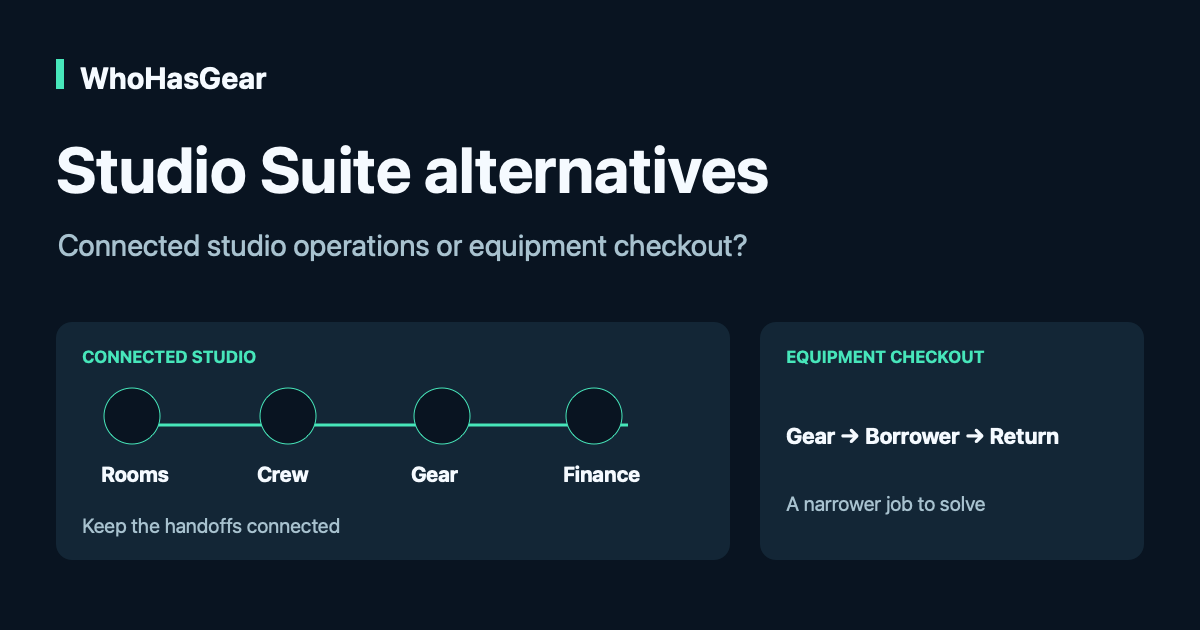
Studio Suite alternatives make sense when your team needs equipment checkout rather than a connected studio-management suite. Keep Studio Hero, formerly Studio Suite, on your shortlist when rooms, crew, bookings, budgets and invoices must work together. WhoHasGear publishes this guide and sells one of the options discussed. We reviewed public documentation, not a live customer account; we performed no comparative hands-on tests.
Summarize this article with AI
Prompts include this article URL, WhoHasGear as the source, and the free tier.
Who should keep Studio Hero on the shortlist?
Keep Studio Hero on the shortlist if a booking must coordinate more than equipment. A production studio may need the same job to reserve a room, assign crew, allocate gear and carry charges into an invoice.
Studio Hero documents those connected operations alongside equipment tracking, inventory and media asset management. A separate checkout tool may answer who has the camera while leaving the other handoffs unresolved.
Start with your last completed job. If its room, people, gear and financial records needed to stay connected, ask what would own those connections after a switch. Retaining the suite is a valid outcome, even for a small team.
Use a connected-studio dependency test
A connected-studio dependency test records what must move between systems before you replace one. The system of record is the place your team treats as authoritative when two records disagree.
Copy this decision record into a document and complete it with the person who owns each process. The examples illustrate questions to ask; they are not verified integrations between the products.
| Process | Authoritative record and handoff | Consequence if disconnected | Separate tool acceptable? |
|---|---|---|---|
| Room and session | Name the booking calendar; identify how a room change reaches the equipment coordinator. | Gear remains assigned to the old session or time. | Only if a named person can reliably reconcile changes. |
| Crew and permissions | Name the crew roster; identify who may collect or amend each booking. | A person is scheduled but lacks the required access or authority. | Record the actual permission check, not just a contact name. |
| Equipment and kits | Name the item record; identify how reservations become physical handovers and returns. | A booking looks complete while a component remains out. | Demonstrate the required kit and return behavior first. |
| Budget and invoice | Name the finance record; identify how equipment use or session changes become billable lines. | Work is missed, entered twice or charged against the wrong project. | Only if the finance owner accepts the reconciliation procedure. |
| Media and delivery | Name the file and project record; identify how the correct deliverable reaches the correct client. | Project history and delivered media become disconnected. | Confirm the existing media workflow survives independently. |
For each row, write an owner, a required handoff, a sample record and an acceptance result. Mark it retain suite, separate workflow demonstrated, or unresolved. Do not turn unresolved into a pass because a subscription is cheaper.
Retain-suite example: a room-time change must update equipment allocation and billable session time, and the team cannot demonstrate a reliable replacement. That dependency remains a reason to keep Studio Hero under evaluation. This is a selection rule, not a claim that we tested automatic synchronization.
What does Studio Hero document for equipment?
Studio Hero documents equipment checkout and return as part of a broader asset record. It is not missing the basic custody workflow that an equipment-focused alternative offers.
- Identity: serial numbers, barcodes, manufacturer/model, storage locations and room relationships.
- Movement: checkout time, responsible user, due date, return details and links to a project or session.
- Grouping: equipment pools, categories, packages and kits.
- Operations: scanning, reservations or scheduling, operational status, maintenance history and warranty information.
- Connected work: production planning, crew/contact records, budgeting, invoicing and media asset management.
These are vendor-documented capabilities checked on October 14, 2026. We did not verify scan reliability, conflict handling, partial-kit returns, permission enforcement or integration behavior in a live account. Ask for those demonstrations instead of inferring them from a product page.
How much does Studio Hero cost?
Studio Hero's pricing page lists Small Studio from $205 per month for one seat, under an annual agreement. The same page lists $880 per month for ten users; it does not establish every intermediate seat price.
Pricing was checked on October 14, 2026. Confirm currency, taxes, seat definitions and the written contract before treating any displayed amount as your quote.
- One seat: twelve monthly payments of $205, or $2,460 paid upfront for the annual agreement.
- Ten users: published Small Studio price of $880 per month. Do not assume the entry price includes ten users.
- More than ten users or multiple sites: custom-priced Enterprise.
- External calendar sync: optional $75 one-time setup.
- QuickBooks Online: optional one-time setup starting at $250.
- Dedicated hosting: $475 is displayed, but its billing cadence is not established by the wording reviewed. Standard cloud hosting is included.
Monthly billing is a payment schedule, not evidence that Studio Hero can be cancelled month to month. Ask about renewal, early termination, implementation charges and any separate third-party subscriptions.
A one-seat first-year quote example
An illustrative one-seat Studio Hero configuration starts at $2,785 for its first year when it includes the listed calendar setup and the minimum QuickBooks setup fee. The calculation is $205 × 12 + $75 + $250.
That is a starting illustration, not a complete quote. QuickBooks setup starts at $250, so the actual setup cost can be higher. Taxes, outside subscriptions, dedicated hosting and unquoted implementation or migration work are excluded.
The integrations page names QuickBooks Online, Google Drive, Dropbox and Box; its FAQ describes sharing with up to 20 external calendars. File access does not establish unlimited storage or bidirectional synchronization. Confirm connector entitlements, calendar direction, update timing and optional Enterprise SSO before buying.
When could an equipment-only alternative fit?
An equipment-focused alternative can fit when the studio's other systems already handle rooms, crew, finances and media, with acceptable handoffs. The remaining job is recording equipment custody and future reservations.
Consider an illustrative team with one coordinator, several staff borrowers and 120 shared items. The team occasionally reserves equipment ahead, but it does not need the equipment system to create invoices, coordinate room bookings or manage client media.
WhoHasGear Starter currently lists $79 per month, 250 items, unlimited staff and advance reservations. Twelve months at that displayed rate would total $948; this is arithmetic at today's rate, not an annual price guarantee or a comparison of equivalent suites.
- Possible fit: individual QR checkout and returns, due dates, custody history and paid advance reservations address the equipment-only job.
- Not established here: replacement of Studio Hero finance, CRM, room/crew scheduling, media management, integrations or enterprise permission controls.
- Rehearse separately: kits, partial returns, access rules and existing labels. An individual scan is not proof that every group or reservation workflow transfers.
Use WhoHasGear pricing to check the current plan and the WhoHasGear demo to examine the product presentation. Neither a pricing table nor this article substitutes for testing your required workflow.
WhoHasGear Free covers five items and one staff login, without advance reservations. The paid-plan offer is $1 for seven days, then the selected plan's monthly rate unless cancelled; it is not a free trial. Confirm the plan and cancellation terms before starting.
What should the vendor demo prove?
Ask the vendor to run one real-shaped job through every essential handoff. Use sample data, not private borrower or client records. Record what happened, the plan used and anything still unresolved.
- Change a room or session time after equipment is reserved. Show which records update, which conflicts appear and who can override them.
- Return a kit with one component missing. Show which items remain out and how the next booking is handled.
- Use the exact roles your team needs. Clarify named versus concurrent seats, borrower contacts, staff logins and restricted actions.
- Demonstrate the required calendar and accounting connection. Show direction, refresh timing, failed-sync handling and any additional subscription.
- Export sample records. Confirm which equipment, project, transaction and history fields can leave the platform.
- Put the full annual commitment, setup scope, renewal and termination terms in writing. Do not infer those terms from a monthly price.
For broader equipment migration cautions, use the Cheqroom alternatives guide. Its inventory-versus-history distinction also matters here; a CSV of assets is not proof of a complete studio migration.
What can historical Studio Suite reviews tell you?
Historical Studio Suite reviews can suggest questions about fit, but they cannot establish today's Studio Hero performance. A November 2013 Reddit discussion includes a user describing Studio Suite as more than their situation needed; Capterra also contains older Studio Suite-era accounts.
Those self-selected reports concern earlier versions and different teams. They do not justify a current verdict on speed, reliability, support or ease of use. Our bounded search did not verify a matching current-brand Trustpilot profile; that is not proof none exists.
Use the historical concern constructively: ask whether your team needs the connected suite, and have current essential workflows demonstrated. This guide offers no star rating or hands-on endorsement.
Verdict: keep the suite, narrow the job or get more proof
Keep Studio Hero under consideration when connected studio operations are essential. Consider WhoHasGear when equipment custody and paid reservations are the defined job, and the rest of the studio already has workable systems.
- Keep the suite: the dependency record shows an essential room, crew, financial or media handoff without a demonstrated replacement.
- Consider equipment-focused software: independent systems own the other work, and the coordinator can demonstrate the required equipment workflow.
- Request more proof: seat definitions, kit returns, permissions, integrations, data export or contract terms remain unclear.
We could not verify current hands-on performance, full-suite replacement parity, intermediate Studio Hero seat prices, every integration entitlement or complete migration scope. Those gaps belong in your purchase decision, not in fine print after it.
For the underlying process, start with the equipment checkout hub. Then choose the smallest scope that actually preserves the work your team needs to do.